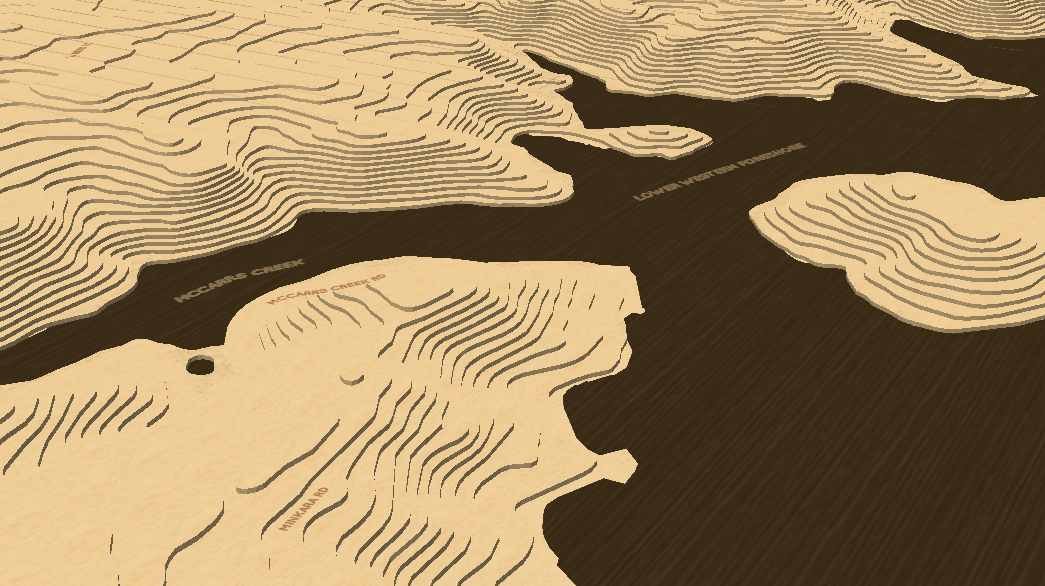
Explore MapCut: Custom Map Layers
What You Can Do with MapCut
- Select Your Area: Choose any region on the map that you’re interested in. Adjust the selection to get just the right area for your project.
- Choose Your Layers: Pick how many layers you need. MapCut will generate these layers for you based on the map’s contours and elevation.
- Download Masks: Get PNG masks for each layer you’ve selected. These masks are ready to be used with laser cutting software like LightBurn.
Great For
- Laser Cutting Projects: Whether you’re making detailed maps or custom designs, MapCut helps you create layered masks that work perfectly with laser cutting tools.
- Custom Map Designs: Create unique map art or models by layering different features of a location.
- Educational Models: Build detailed educational models to show off topographical features or historical landscapes.
Try MapCut Today
With MapCut, turning detailed maps into layered designs is straightforward and easy. Just select, customize, and download your layers to get started on your next project.
Example